

Pull live comps, price history, and supply-and-demand data for any listing — then apply your local knowledge to build an instant comp set.
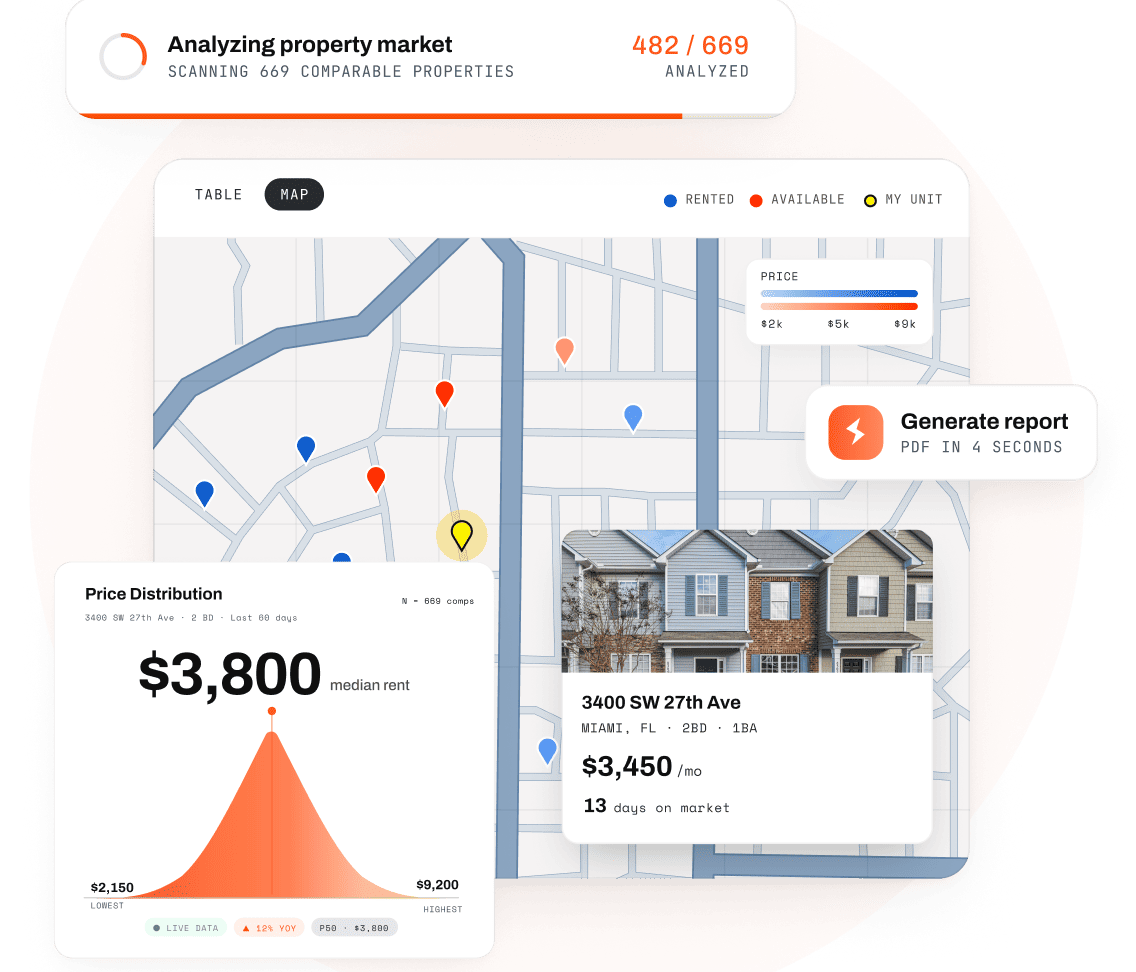
We've been trying to weave so many different things together when running comps. Zillow, Rentcast, MLS, Rent-o-meter, etc. It is so nice to be able to log into one tool with RentEngine.


.webp)
Every tool you need for fast, accurate market data.
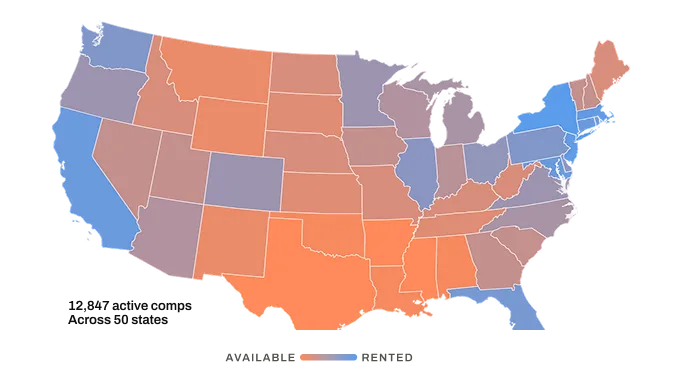
Comps from every publicly listed rental in the country, both currently active and recently leased.
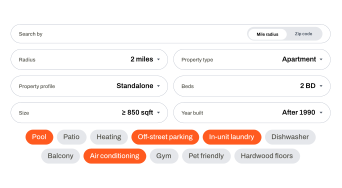
Distance, zip code, property type, square footage, and amenities like off-street parking and laundry.
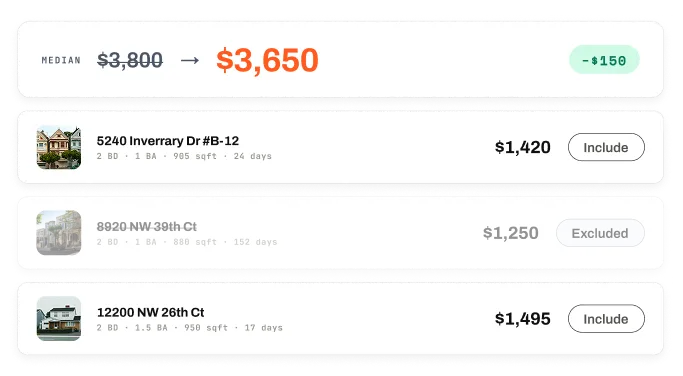
Add or remove any comp using what you know about the market. Median, range, and DOM recalculate instantly.
See median rent, price range, days on market, and the supply-and-demand ratio update in real time as you build your comp set.
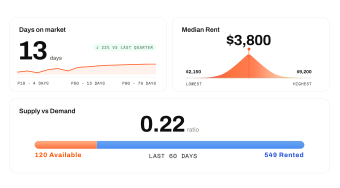
Include or exclude any comp from the list or the map. Metrics recalculate live as you adjust the set.
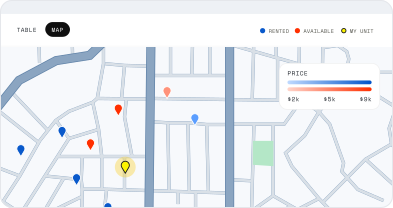
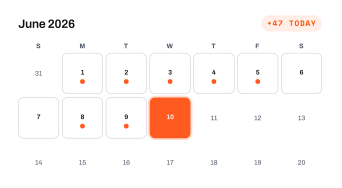
Fresh listings and price changes added every day. Your comps always reflect today's market.
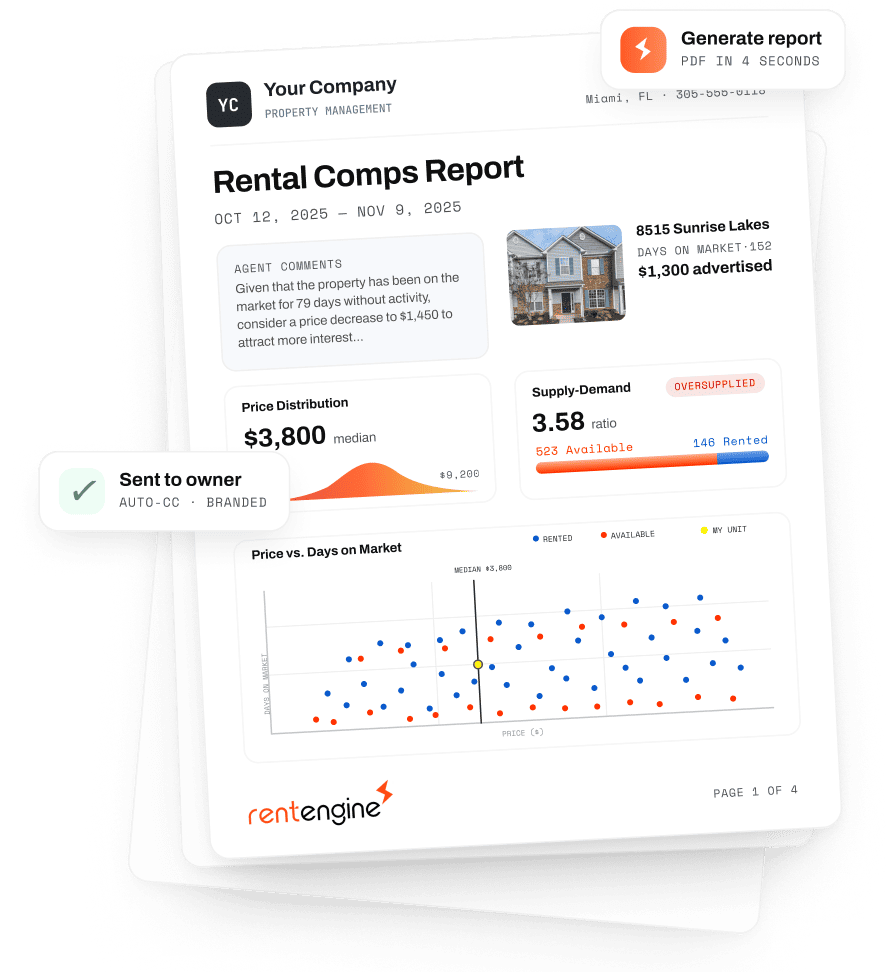
Turn any comp analysis into a report carrying your company's logo and contact details.
Add your own commentary, or let RentEngine draft a report with your company branding. The report shows the exact comp set you built and the filters behind it, so owners see how you reached the number.
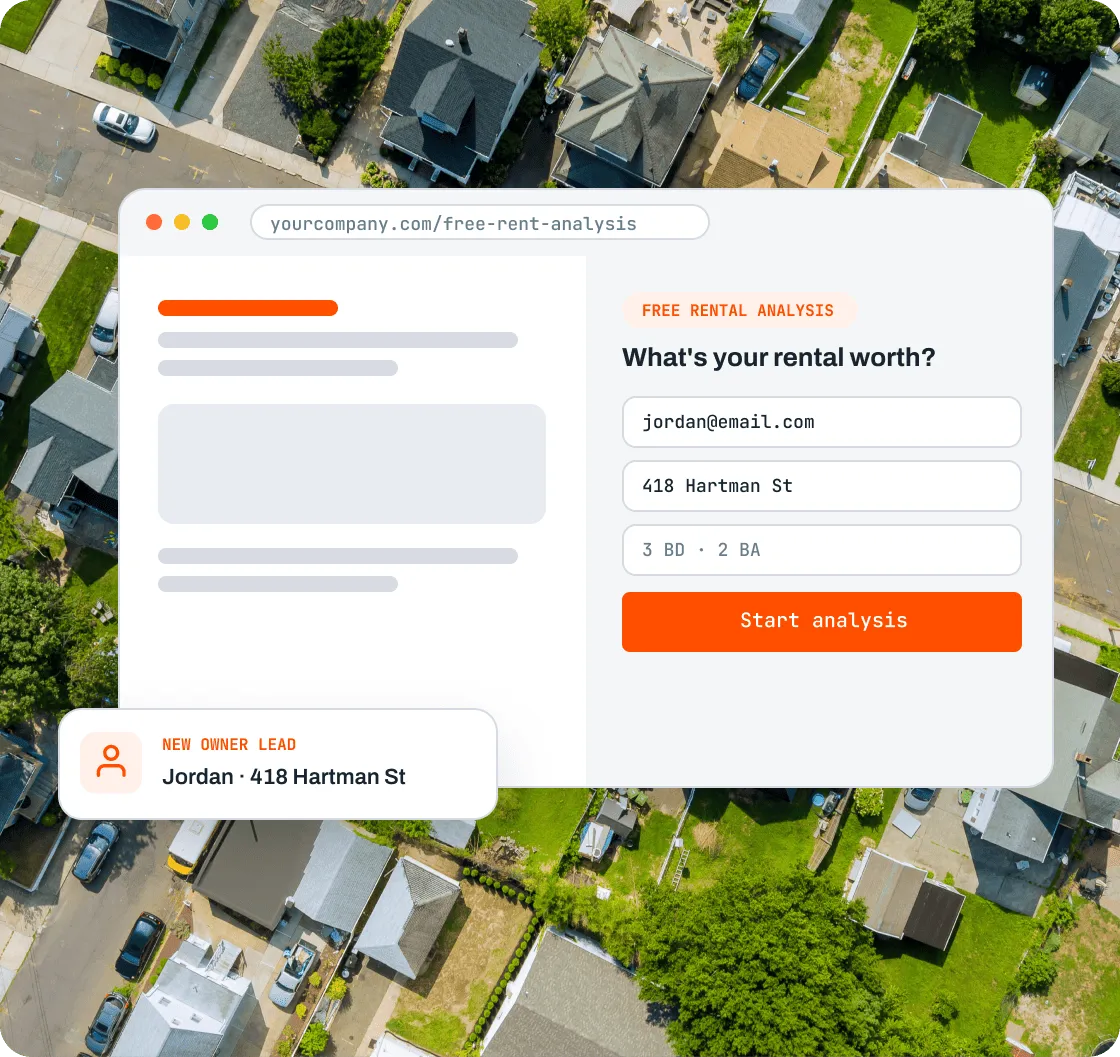
Add a rental analysis widget to your site and capture owners who are shopping for a property manager.
The widget collects their contact and property details and runs the report in the background, then holds it until you're ready to send. You get the lead and the leverage in your business development conversations.
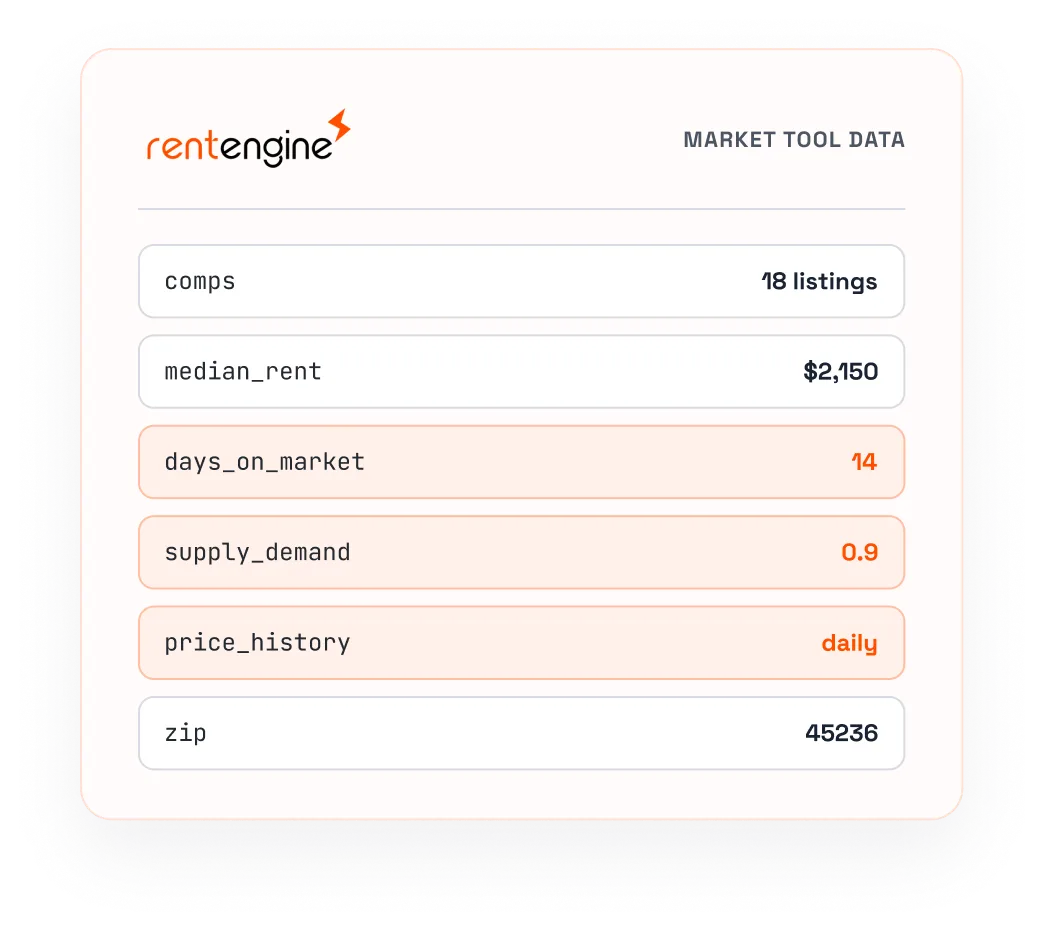
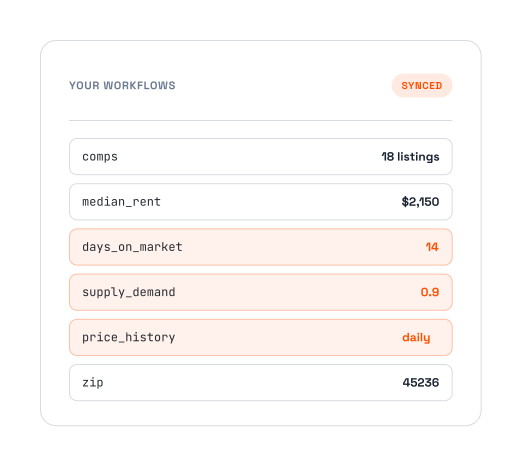
Access Market Tool data through the RentEngine API and pull comps and pricing into the other tools you use.

Where does this data come from?
RentEngine collects, cleans, and curates every publicly available rental listing across the United States. When you pull up a property, you see every currently active listing nearby, every listing that was recently active, and the full price history — including the last price before a property left the market, which we treat as the rented price.
Can I see and choose the specific comps?
Yes. The Market Tool preloads a comp set from your RentEngine properties, then lets you add or remove any listing. The tool isn't there to spit out one number — it curates the data so you can apply your local knowledge and land on the right competitive set.
Can I filter by specific features and amenities?
Yes. Filter by distance or zip code, property type, square footage, and amenities. You can also exclude listings, so if your property has no pool, for example, you can drop every comp that does.
Can I use this for properties that aren't active on RentEngine?
Yes. You can run an analysis on any property, including ones you don't manage in RentEngine — useful for building a comps report when you're pitching a prospective owner.
Can I embed this into my website?
Yes. Add the Market Tool widget to your site with an iframe. It collects a prospective owner's contact and property details, generates the report in the background, and holds it until you're ready to send.
Is this available via API?
Yes. The Market Tool is available via API for most use cases. To prevent abuse, a small $0.50 fee applies per API-generated analysis.
How much does it cost?
The Market Tool is free for all RentEngine users, with unlimited access.
Why is RentEngine's Market Tool better than other rental comp services?
Other comp tools live outside your leasing workflow and hand you a number. RentEngine's Market Tool is built into the account where you already manage your properties, it's the most customizable option (so you can apply your own local market knowledge), and it's free for RentEngine users.

See how leasing teams use the Market Tool in RentEngine to fill vacancies faster.
Request a Demo